Query every database
One desktop app to browse, query, design and sync your data, whatever engine it lives in, with an AI agent that asks before it writes.
Free and open source, for PostgreSQL, MySQL, MongoDB and Redis.
- Engines today
- 4
- Desktop platforms
- 3
- Open source
- 100%
- Sign-ups to download
- 0
Every tool,
one window.
The tools you reach for every day, in one fast app that stays out of the way of your data.
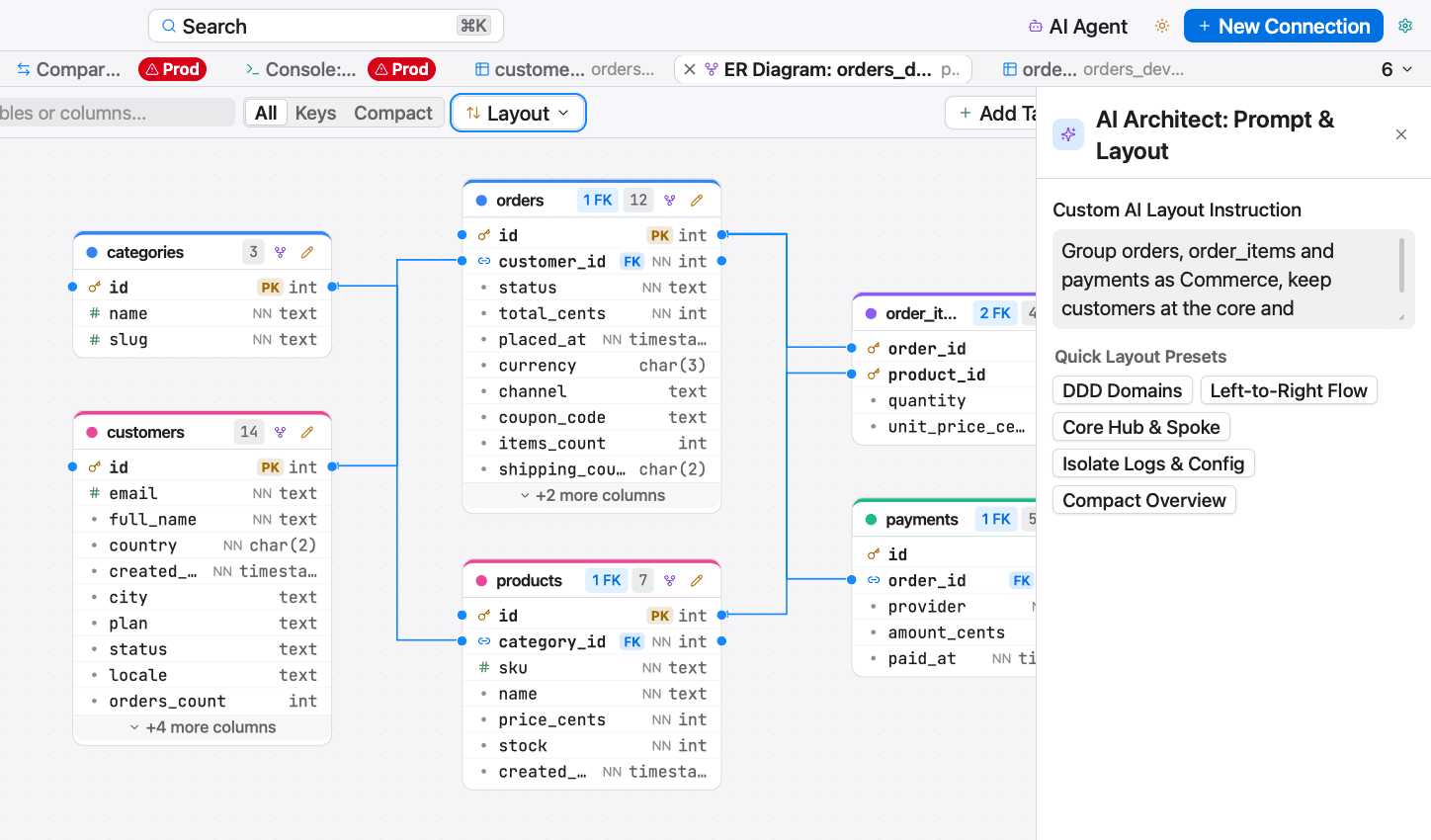
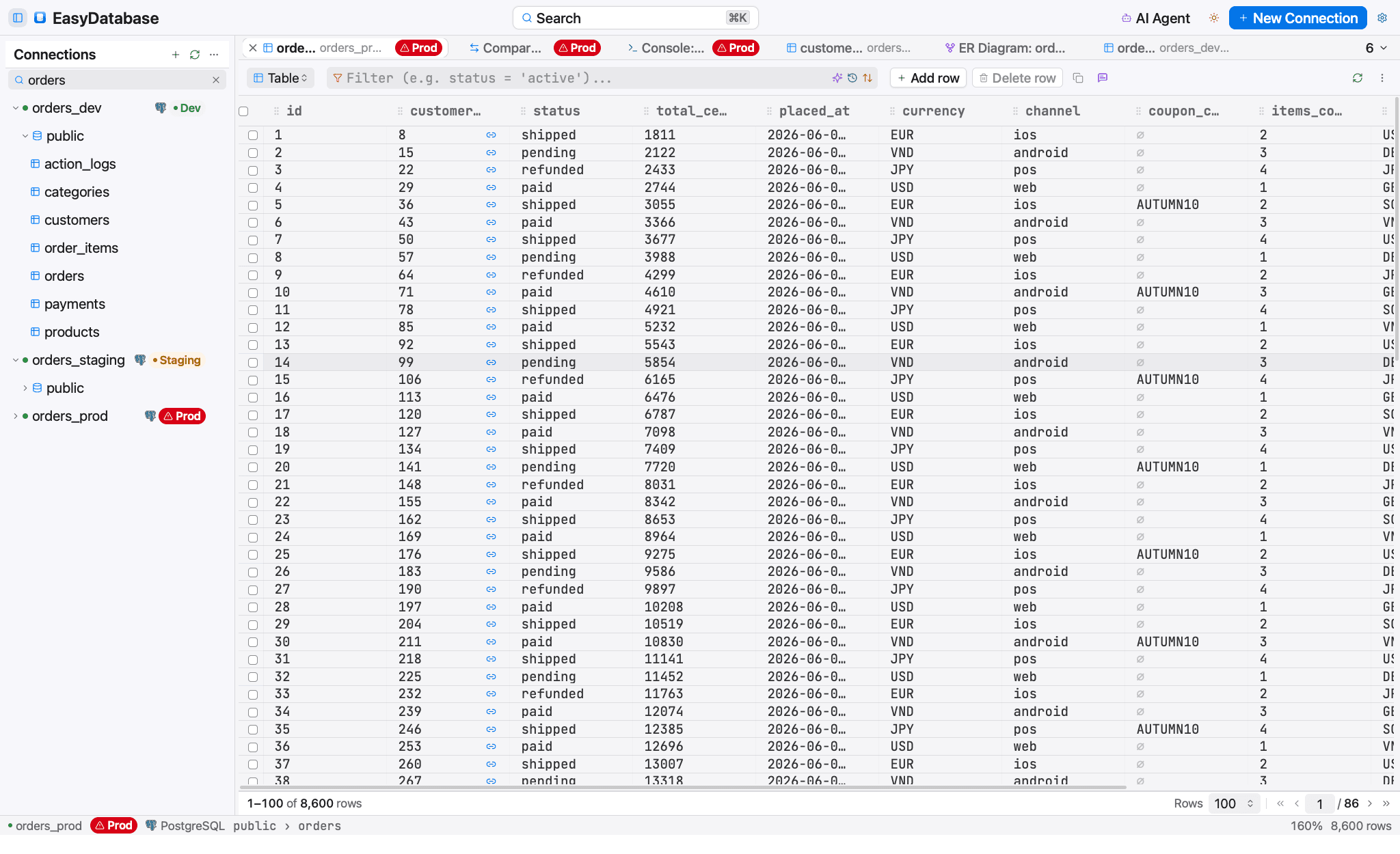
Table, Tree, Text, Structure, Indexes and DDL. Switch in one click.
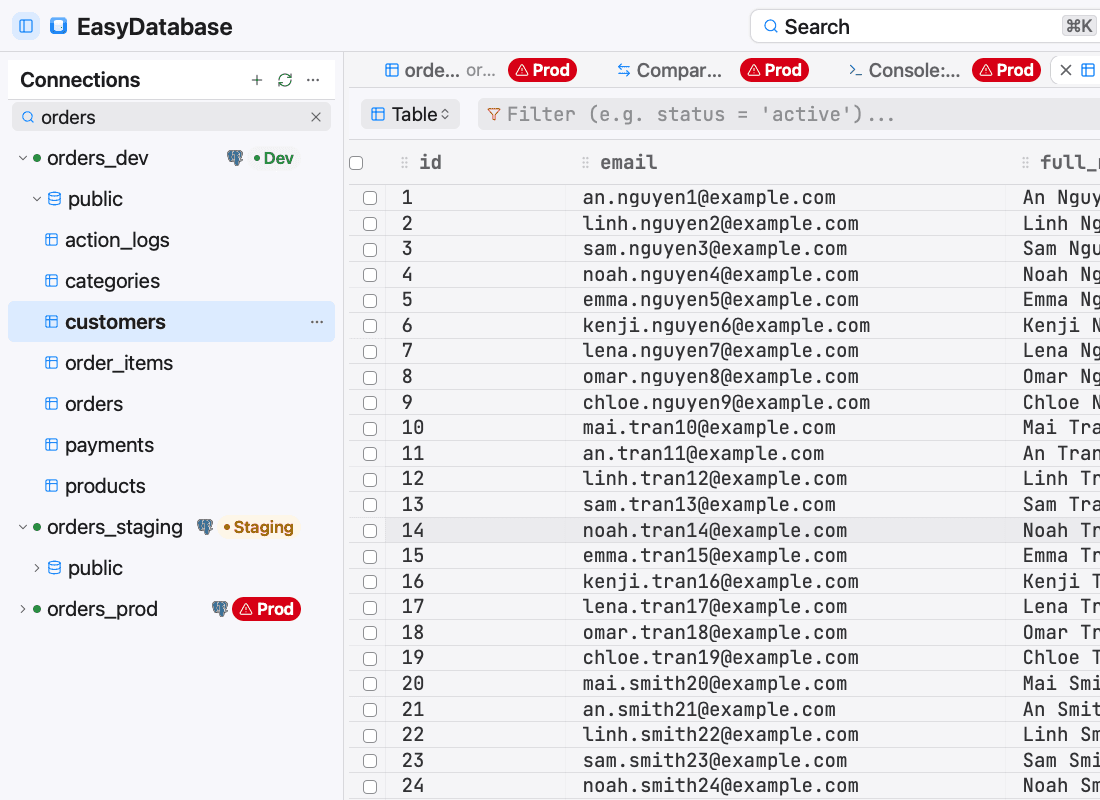
Run with ⌘↩. History, saved snippets and paged results.
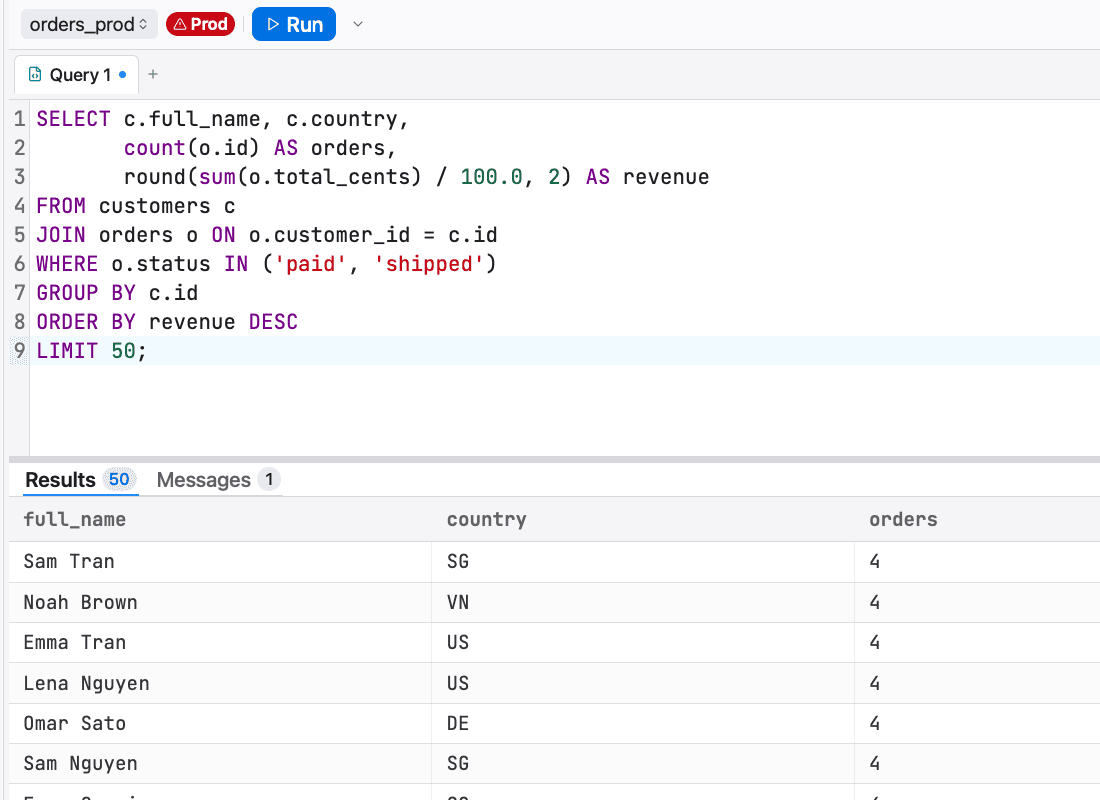
Edit tables on the canvas. Export DDL, Prisma or Mongoose.
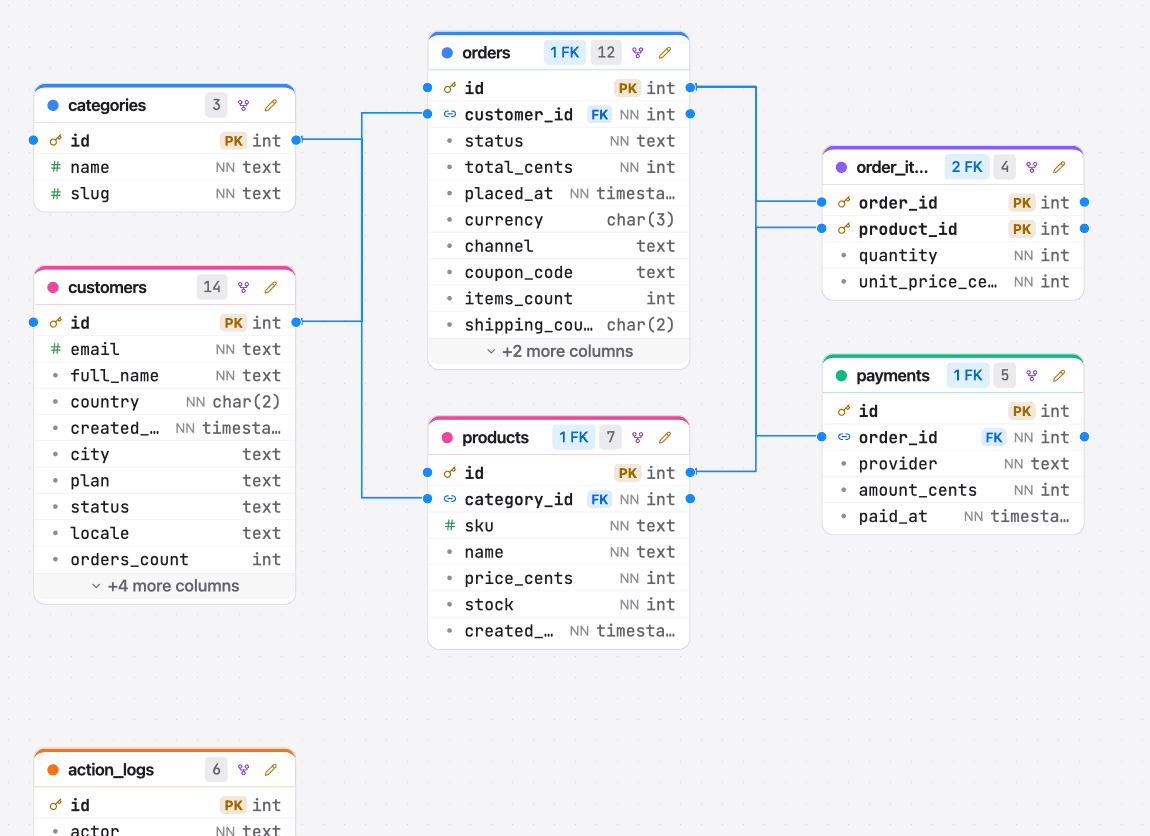
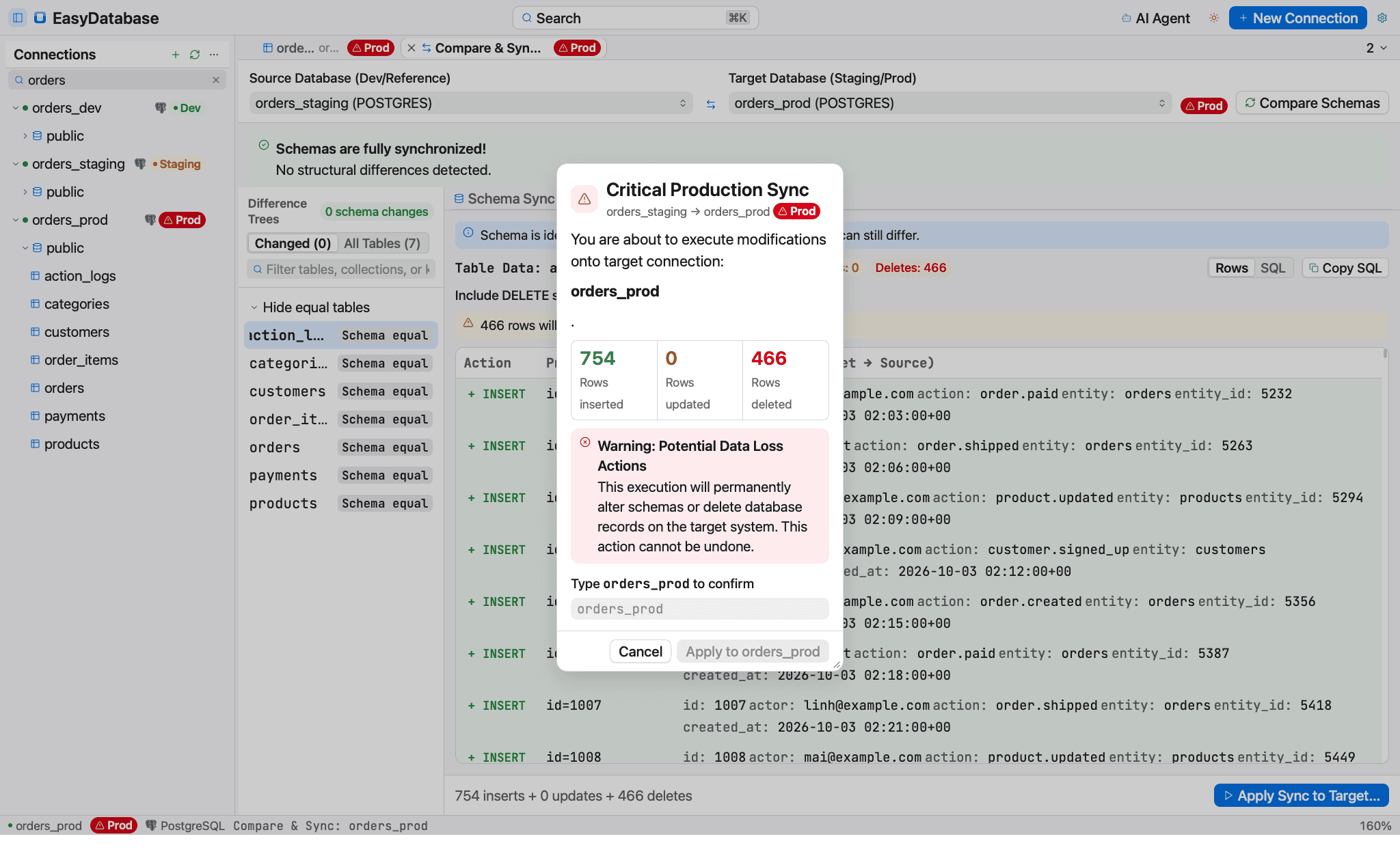
Diff schema and data across databases, review, then apply.
Ask, Supervised, Auto-Safe or Full-Auto. Writes wait for you.
Back up locally or to S3. Roll back to a checkpoint.
CSV, JSON, JSON Lines and SQL, plus mock data for test tables.
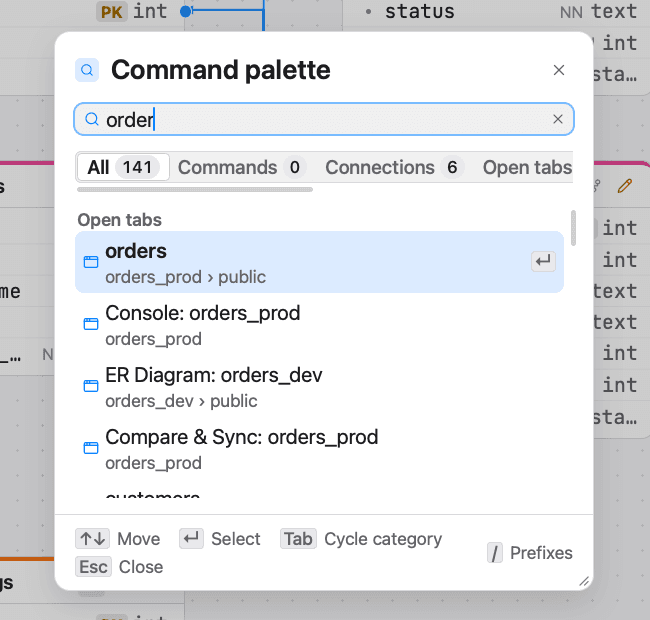
⌘K to jump to any table, column, tab, snippet or command.
Explorer, six views
Table, Tree, Text, Structure, Indexes and DDL. Switch in one click.
SQL & MQL console
Run with ⌘↩. History, saved snippets and paged results.
ER diagram designer
Edit tables on the canvas. Export DDL, Prisma or Mongoose.
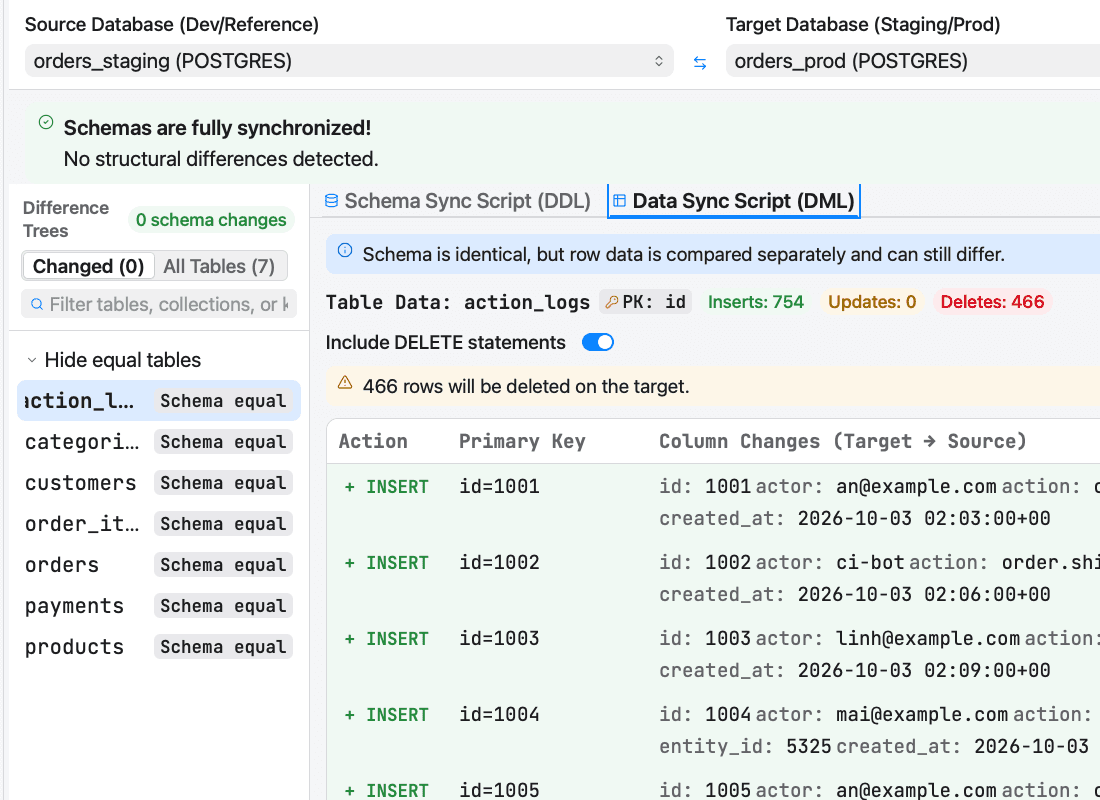
Compare & Sync
Diff schema and data across databases, review, then apply.
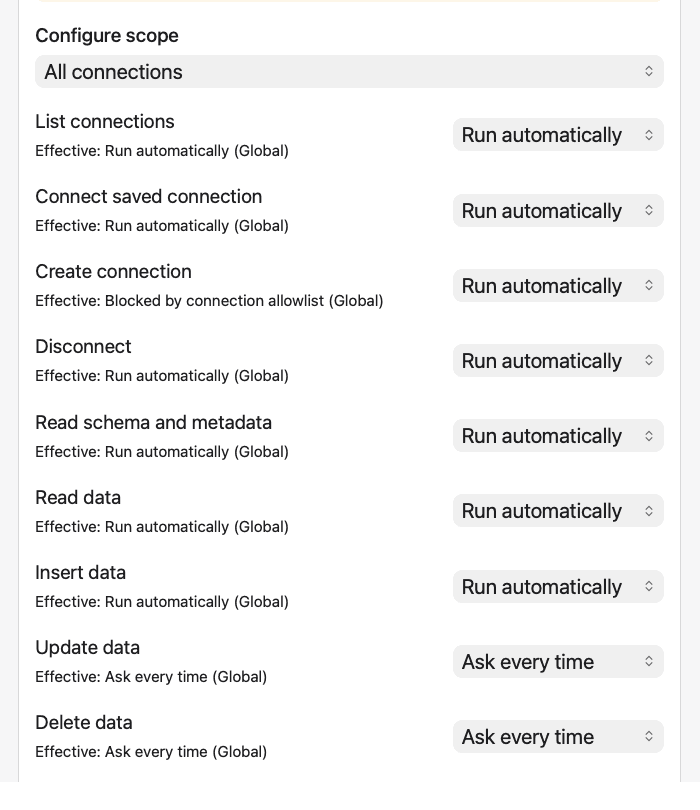
AI that asks first
Ask, Supervised, Auto-Safe or Full-Auto. Writes wait for you.
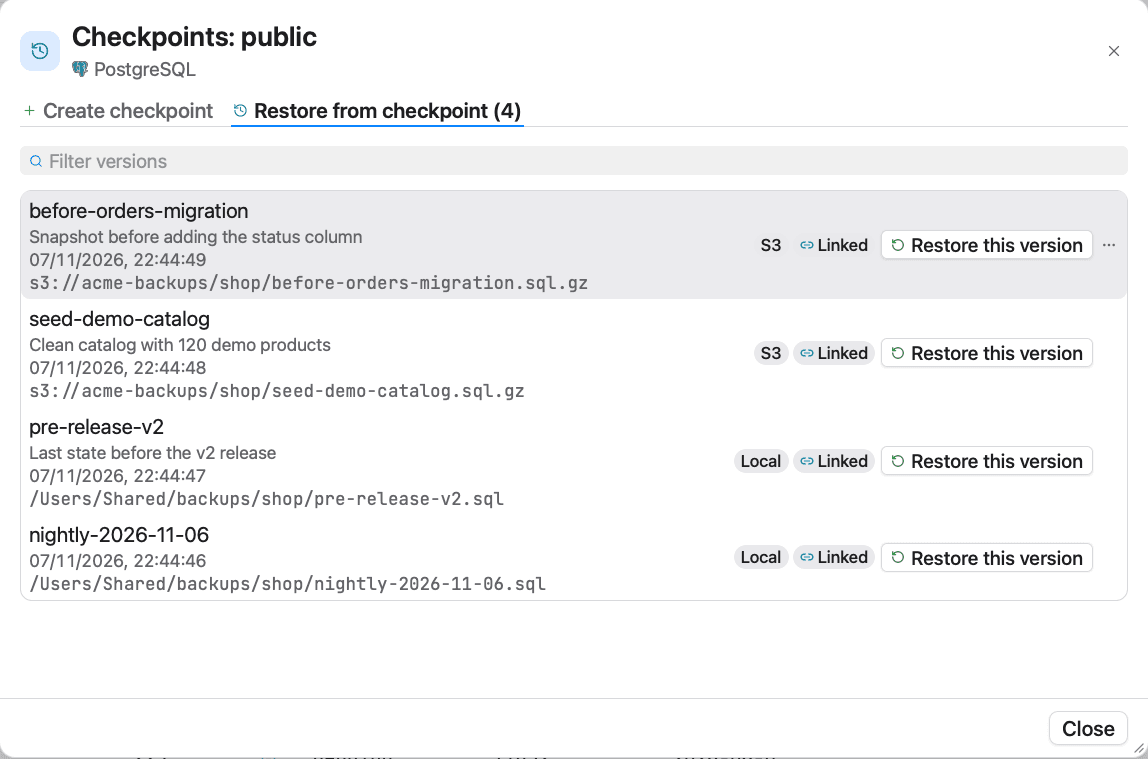
Backups & checkpoints
Back up locally or to S3. Roll back to a checkpoint.
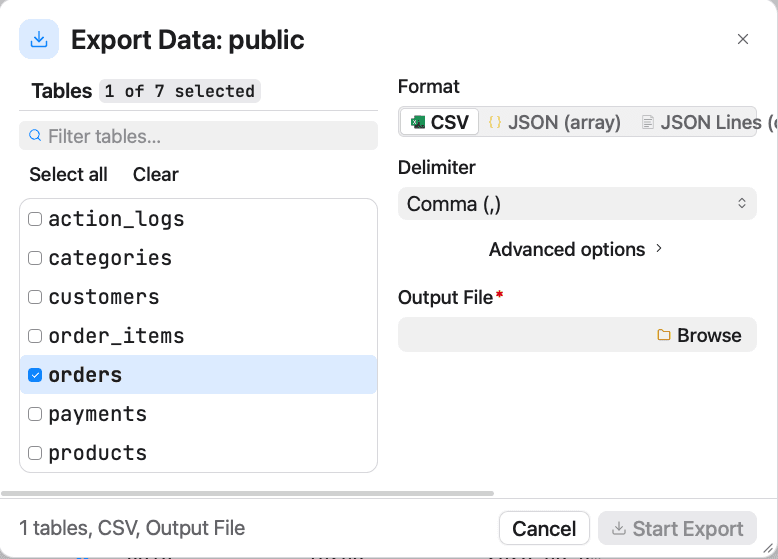
Import & export
CSV, JSON, JSON Lines and SQL, plus mock data for test tables.
Command palette
⌘K to jump to any table, column, tab, snippet or command.
Four engines,
one app.
PostgreSQL, MySQL, MongoDB and Redis are supported today. The app is built to grow: tell us which database should come next.
- One explorer
- Every connection, grouped your way.
- One console
- SQL or MQL with the same shortcuts.
- One safety model
- Environment tags and confirmations everywhere.
- One sync tool
- Compare and move data between databases.
 PostgreSQLRelationalSupported
 MySQLRelationalSupported
 MongoDBDocumentSupported
 RedisKey-valueSupported
- Your database?Request it on GitHubNext
No more
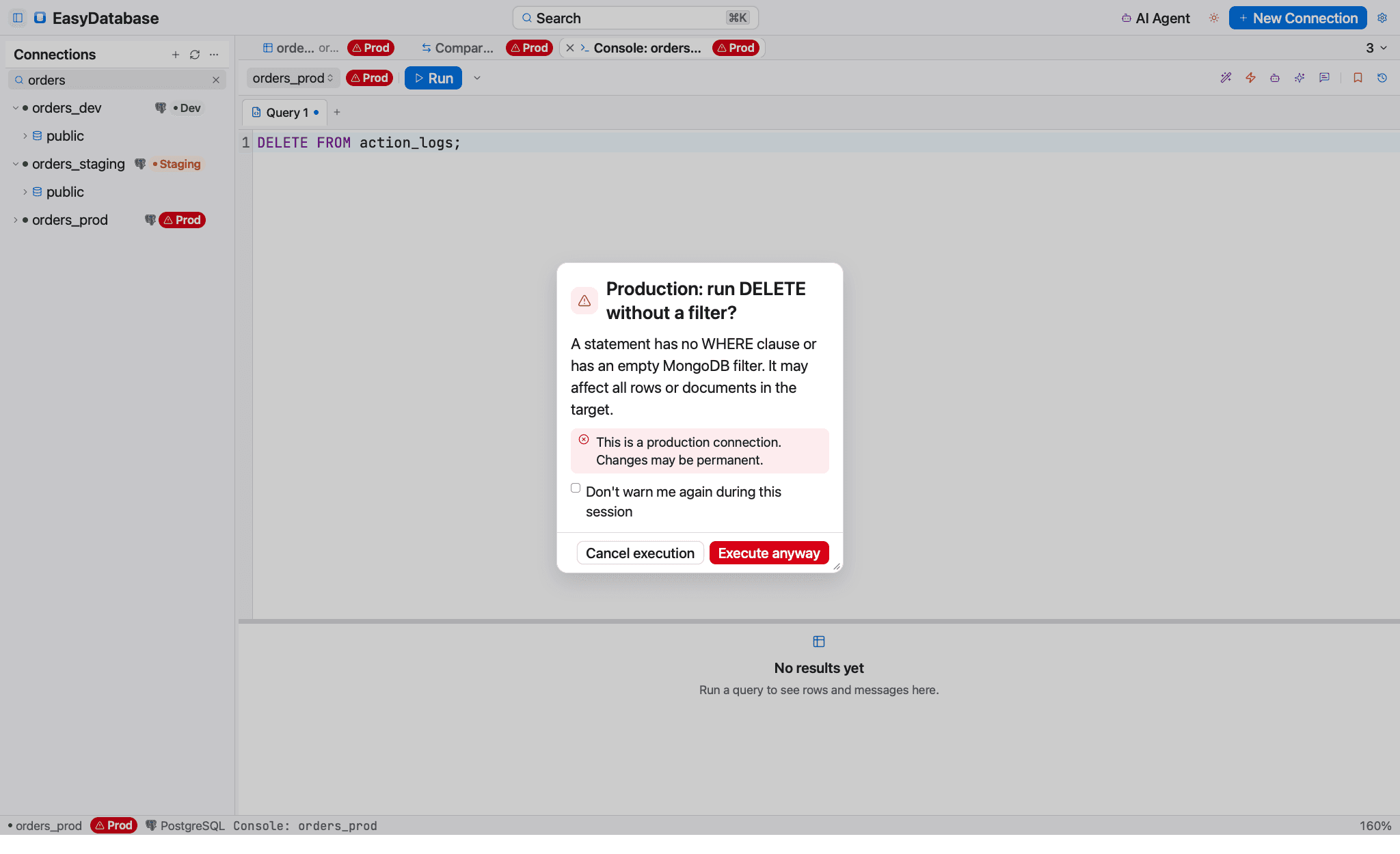
oops on prod.
- DEV, STAGING and PROD tags on every tab and in the status bar.
- See the exact inserts, updates and deletes before a sync runs.
- UPDATE and DELETE without WHERE are stopped before they run.
Free for macOS,
Windows and Linux.
Installers ship with every release on GitHub. All releases & checksums
Every line
on GitHub.
Report a bug, ask for a feature or send a pull request, and star the repo to follow along.
hieuvu0611/EasyDatabase$ git clone https://github.com/hieuvu0611/EasyDatabase.git $ cd EasyDatabase